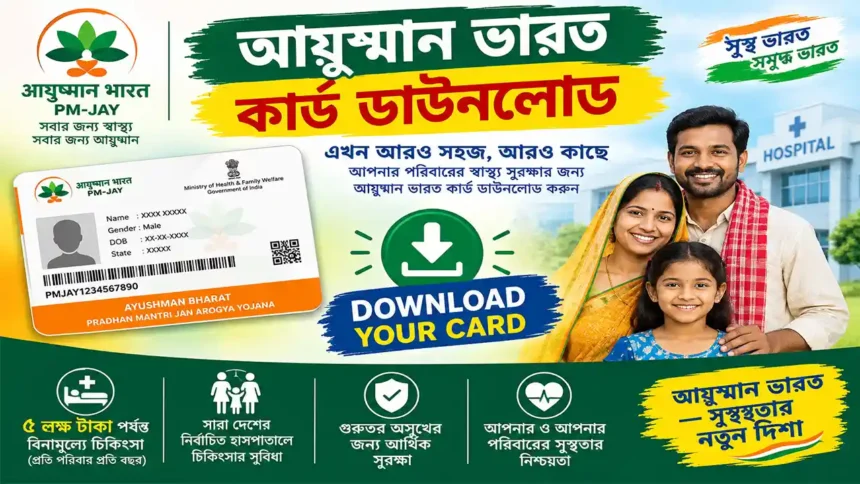
What Is Ayushman Bharat Card?
The Ayushman Bharat PM-JAY Card is associated with eligible beneficiaries under the Pradhan Mantri Jan Arogya Yojana. It can be used when accessing eligible PM-JAY healthcare services at empanelled hospitals, subject to the applicable scheme rules and beneficiary status.
Video Guide
Watch the video below to understand the Ayushman Card process visually before starting the download process.
How to Download Ayushman Bharat Card Online
Open the Official PM-JAY Website
Visit the official PM-JAY/NHA website and open the beneficiary-related service available on the current portal.
Select the Beneficiary / Card Service
Choose the currently available option for beneficiary search, Ayushman Card or related PM-JAY services.
Enter Your Details
Enter the mobile number, beneficiary details or other information requested by the official system.
Complete Verification
Complete OTP, Aadhaar authentication or e-KYC if the current service asks you to verify your identity.
Find Your Beneficiary Record
Search for your beneficiary record and carefully select the correct family member or beneficiary.
Click Download Card
If your Ayushman Card is available, select the current Download Card option displayed on the official platform.
Save Your Digital Card
Save the downloaded document securely on your mobile phone or computer. You may print a copy if required.
📱 Different Ways to Access Your Ayushman Card
Depending on your eligibility, verification status and current government services, different official channels may be available.
Official Portal
Use the official PM-JAY/NHA beneficiary service.
Ayushman App
Use the official Ayushman mobile application.
DigiLocker
Access an available issued digital document.
CSC Assistance
Get assistance through an authorised CSC.
📱 Download Through the Official Ayushman App
The official Ayushman App provides beneficiary-related Ayushman services. Before installing any application, verify that you are using the official app published by the National Health Authority.
- Open the official Ayushman App.
- Login using the available mobile/OTP method.
- Search or select your beneficiary record.
- Complete the required verification/e-KYC.
- Open the Ayushman Card section.
- Use the current download/access option.
- Save the card securely.
🔐 Access Through DigiLocker
If the relevant Ayushman Bharat/PM-JAY digital document is available for your account, DigiLocker may be used to access the issued document.
Open DigiLocker
Sign In
Open Issued Documents
Find Available Document
🏪 Ayushman Card Assistance Through CSC
If you have difficulty completing the online process, you can seek assistance from an authorised Common Service Centre (CSC) or appropriate PM-JAY support channel.
Aadhaar details, mobile number and beneficiary information.
The authorised operator can follow the applicable beneficiary verification process.
A card/document can be printed when available through the authorised service.
🎯 Why Should You Keep Your Ayushman Card?
Hospital Access
Keep your beneficiary information ready when accessing eligible PM-JAY services.
Digital Copy
Store a digital copy securely on your smartphone for convenient access.
Print Copy
Keep a printed copy if you prefer having a physical document.
Easy Record Keeping
Keep your scheme-related beneficiary document organised for future reference.
⚠️ Ayushman Card Download Not Working?
Try the following checks before visiting a support centre:
Check mobile network, SMS service and the number being used for authentication.
Check your beneficiary details and eligibility through the official system.
Complete the identity verification requested by the official service.
Check the current beneficiary/card status and available options.
Try again later or use an authorised support channel.
Use the authentication method currently offered by the official platform.
🔒 Important Security Tips
Never share OTP with unknown people.
Verify the website before entering Aadhaar or personal information.
Do not install unofficial Ayushman APK files from random websites.
Prefer official government websites, applications and authorised service centres.
🔗 Official Resources
Use official resources whenever possible. Avoid entering personal information on unknown websites.
❓ Frequently Asked Questions
Keep Your Ayushman Card Ready
Once your card is available through an official service, keep a secure digital copy and a printed copy if needed.
Open Beneficiary Portal →