

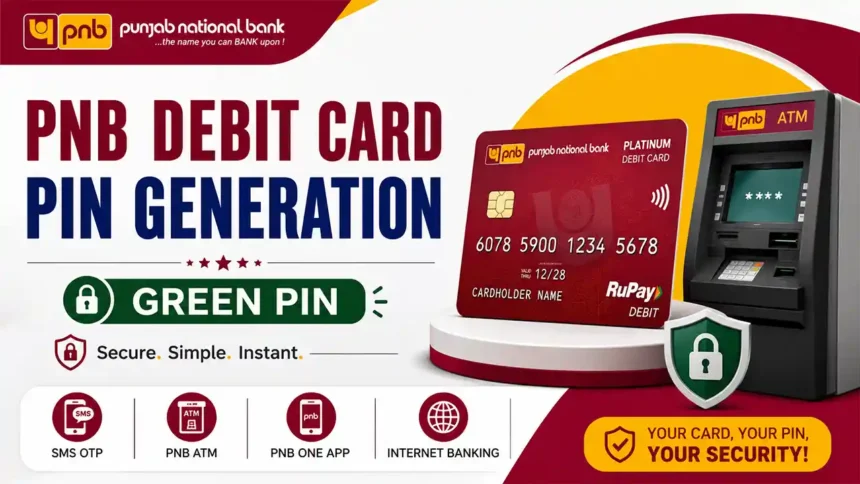
PNB Debit Card PIN Generation Online Step by Step
If you are using your PNB ATM card for the first time, then you need to create a 4-digit ATM PIN before using ATM withdrawal, balance check, online payment, or shopping services. Punjab National Bank provides an easy and secure PNB Debit Card PIN Generation facility that helps customers generate their ATM PIN within a few minutes. You can create the PIN using SMS, PNB ATM, PNB One App, or Internet Banking. The process is simple and safe for new users. After generating the PIN successfully, your Debit Card becomes ready for instant use. Always keep your ATM PIN secret and never share it with anyone for security reasons.
Contents
PNB Debit Card PIN Generation (Green PIN)
Punjab National Bank customers can generate or reset their Debit Card PIN using the Green PIN facility. Customers can use ATM, PNB One App, Net Banking, or SMS service to create a new 4-digit ATM PIN instantly. The easiest way is by sending an SMS from the registered mobile number to receive a 6-digit OTP.
Video Tutorial
Method 1: Generate Green PIN Using ATM
Step 1: Get OTP
- Send SMS from your registered mobile number.
- Type: DCPIN 16-digit Debit Card Number
- Send SMS to 5607040 or 9264092640
- You will receive a 6-digit OTP.
Step 2: Visit PNB ATM
- Insert your Debit Card at any PNB ATM.
- Select Generate Green PIN.
- Enter the OTP received on your mobile.
- Set your new 4-digit ATM PIN.
- Confirm the PIN again.
Method 2: Generate PIN Using PNB One App
- Login to the PNB One Mobile App.
- Go to Debit Card section.
- Select Generate Green PIN.
- Choose your account number.
- Enter card details and OTP.
- Create and confirm your new ATM PIN.
Method 3: Generate PIN Using Net Banking
- Login to PNB Internet Banking .
- Go to Value Added Services.
- Select Card Related Services.
- Click on Set/Reset Debit Card PIN.
- Enter card details and OTP.
- Set and confirm your new 4-digit PIN.
Important Details
| Service | Details |
|---|---|
| OTP Validity | 72 Hours |
| SMS Format | DCPIN 16-digit Debit Card Number |
| SMS Numbers | 5607040 / 9264092640 |
| PIN Activation | Instant after successful setup |
| Mobile Number | Must be registered with bank account |
- Never share your ATM PIN or OTP with anyone.
- Always use a secure and private ATM machine.
- Do not write your PIN on the Debit Card.
- Change your ATM PIN regularly for better security.
PNB Customer Care
Toll Free Numbers: 1800 1800 / 1800 2021
